
Expected Duration: 10.05.2026 - 8.06.2026
Welcome to Dragon Ball World Open Beta
This article refers to the open beta tests of 0.9.7 version which introduces new game client, new web infrastructure and new native launcher. It contains all the necessary information to get you started, as well as some tips and guidelines how to participate.
About the tests
Test instance is running on a separate server and is not connected to the main game database. This means that all progress made during the tests will be wiped out once they are over. The tests are expected to last for about a month, but this may vary depending on the feedback and issues reported by the players.
Primary scope of these tests is to gather feedback from the community regarding the new game client and other technical aspects of the 0.9.7 version. This is not a content test, so there won't be any new quests, monsters or major changes to the gameplay. However, we encourage players to explore the game and report any issues they encounter, as well as share their thoughts and suggestions on the overall experience, as we introduced many new UX features, systems and optimizations for existing mechanics.
Test server gameplay pace:
- Exp: 20x
- Skill: 20x
- Drop: 20x
Features overview
The first phase of 0.9.7 release is a foundation update - it does not change the world or content, but it overhauls the technical layer the game runs on. Below is a quick tour of what is new and worth poking at during the beta.
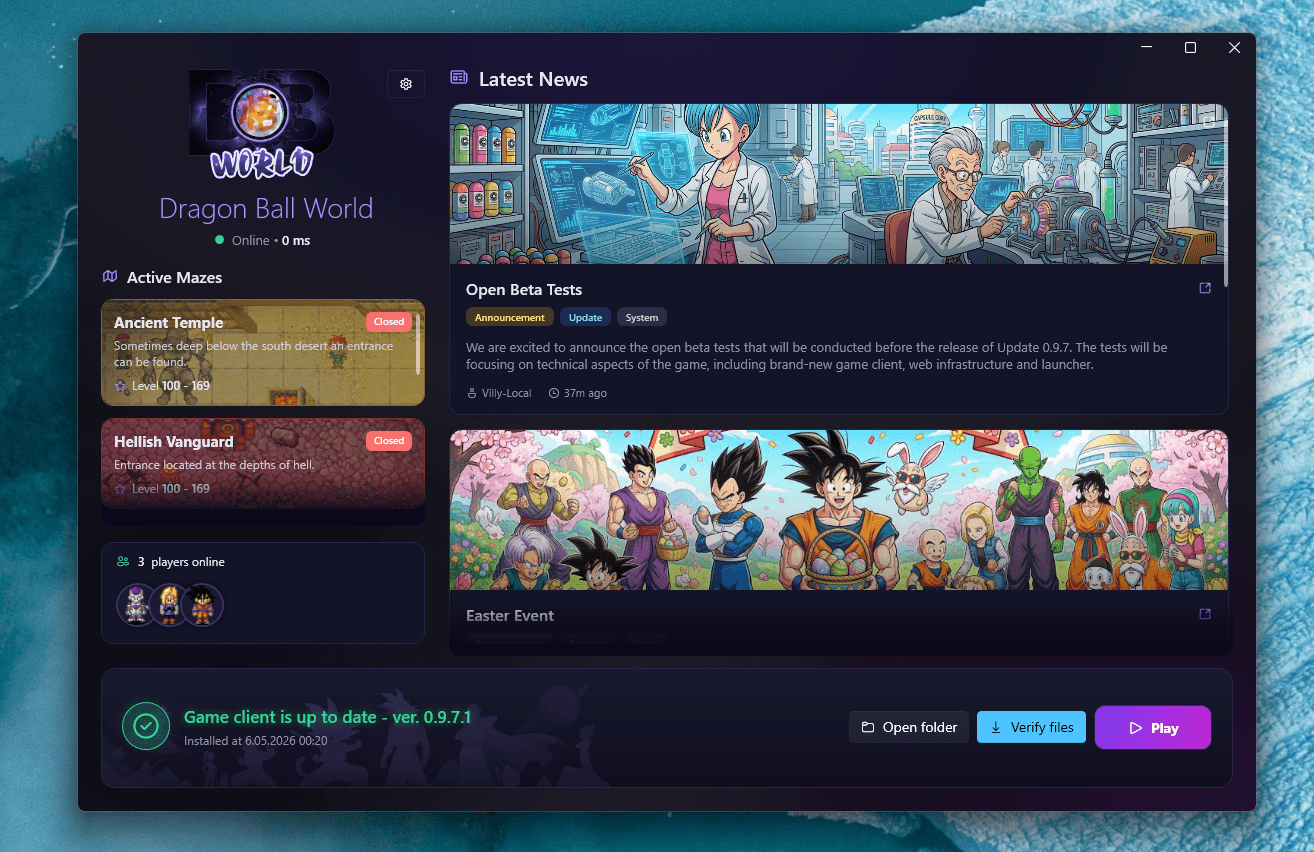
- New native Windows launcher - auto-updates the client and validates files before launch.
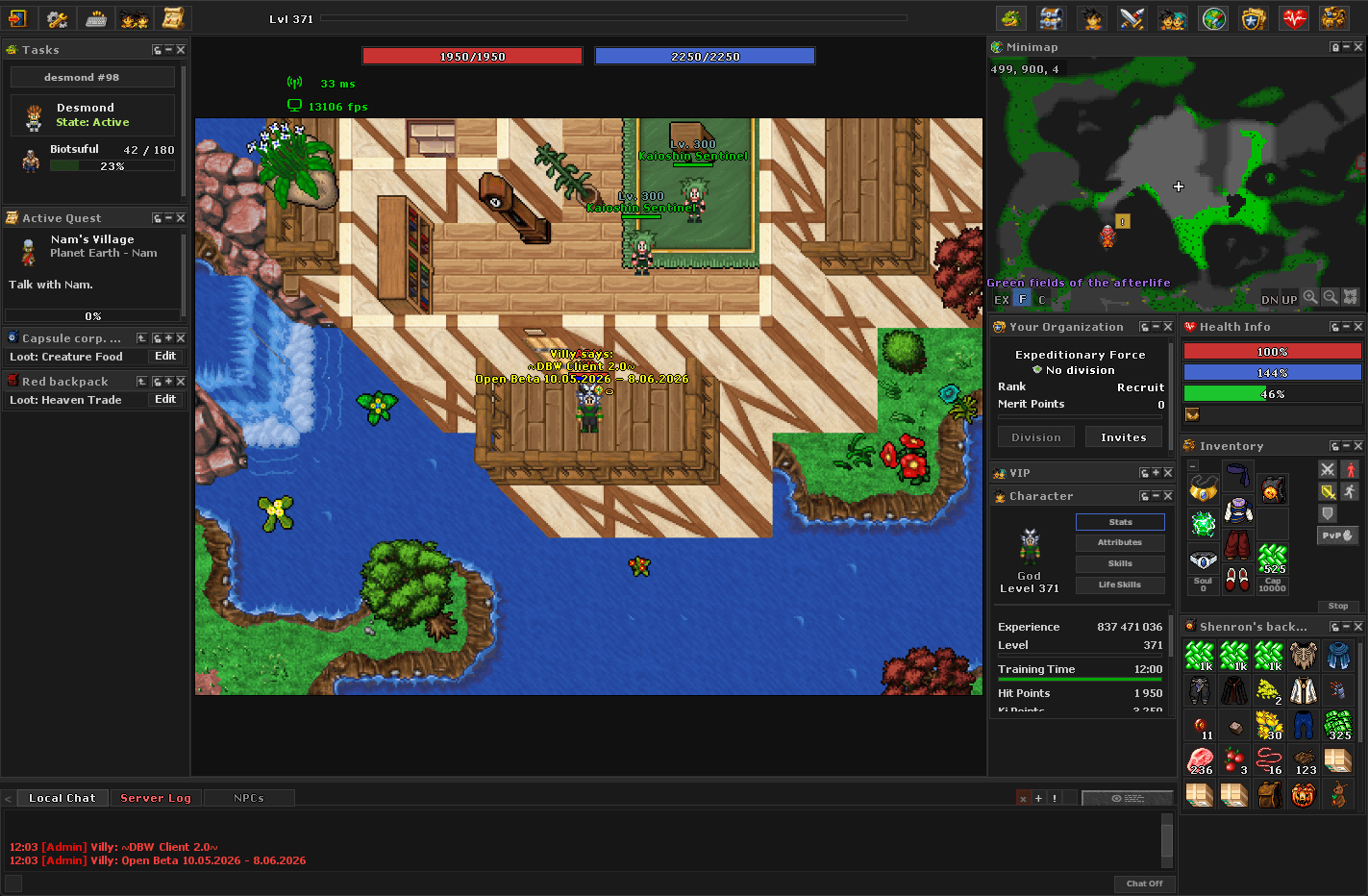
- New fork of the game client. Rebuilt on a modern engine with better performance, input handling and support for future features.
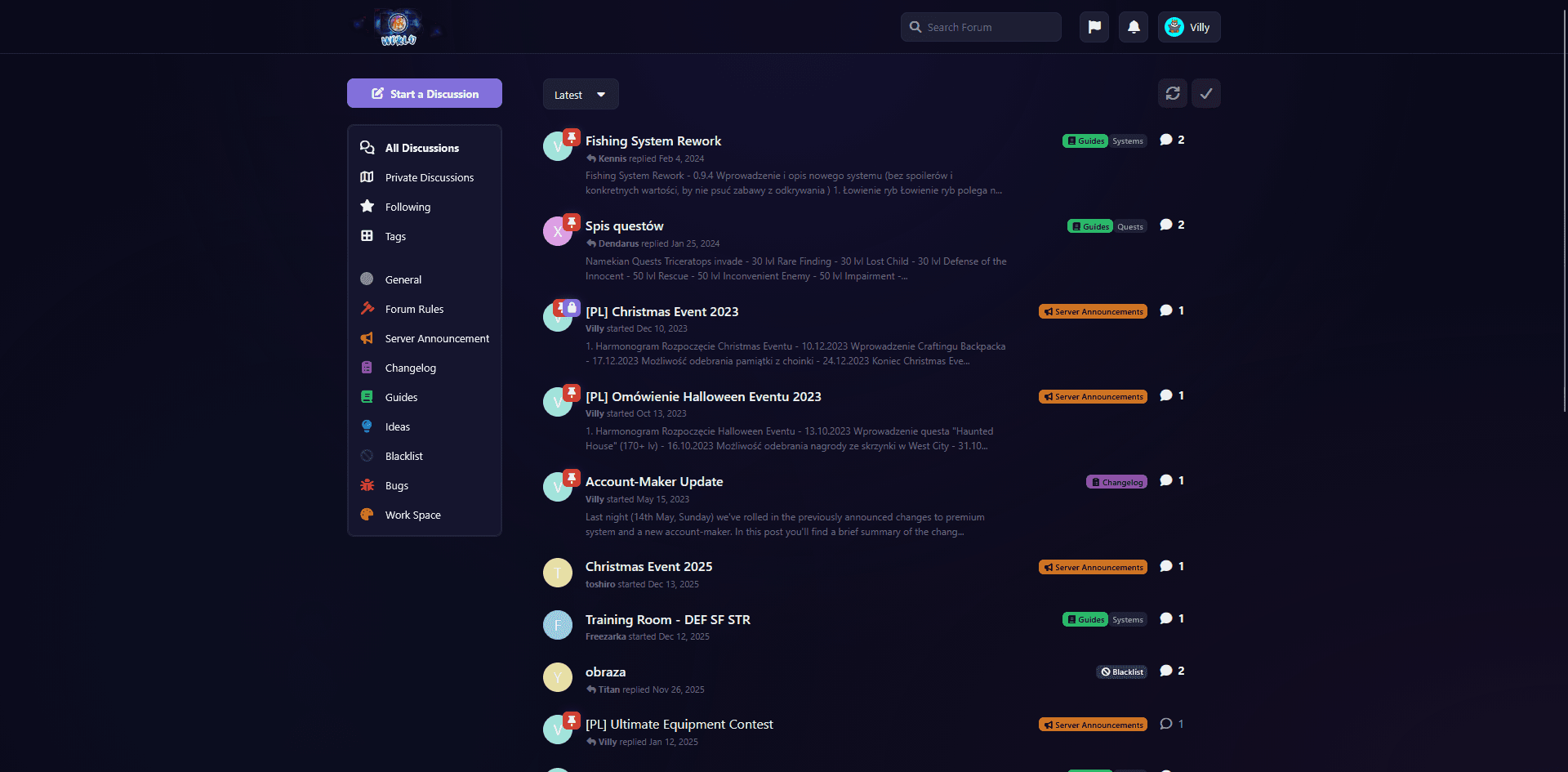
- Unified web stack: SSO, forum, wiki and the game portal share one identity.
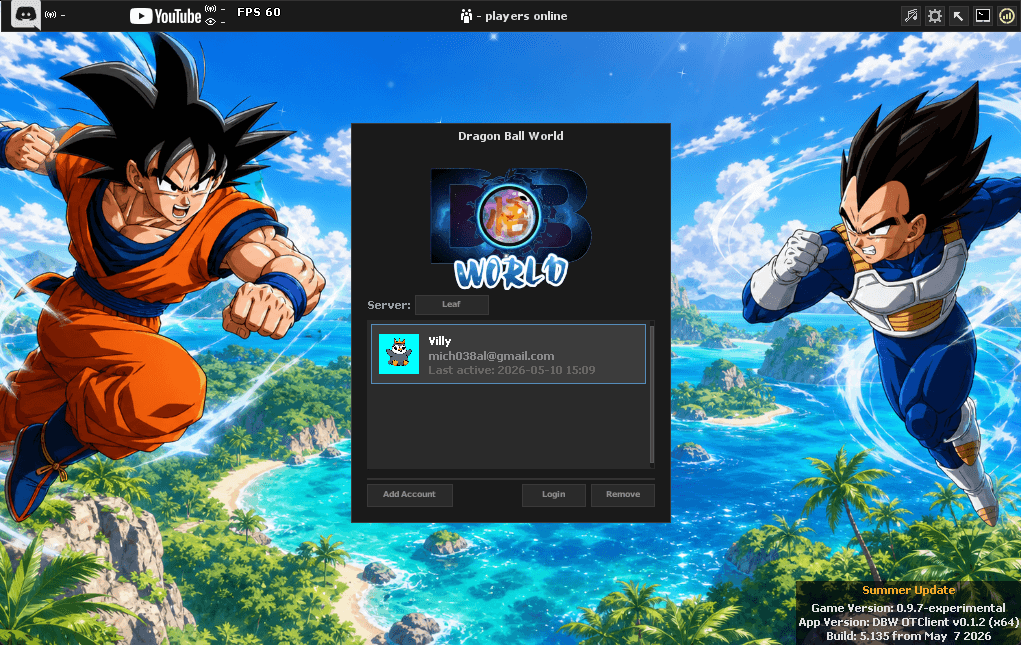
- Reworked UI/UX of the game client, including new login flow.
- New Quickloot system.
- New Item Rarity and Quality system.
- Revamped Auction House and Quest Log, refreshed Minimap with improved visuals and NPC markers.
- New Tasks module and Quest Tracker.
- Stack limit increase and new item categories.
- Major game engine optimizations including new shard region system, optimized network code.
- Many smaller QoL improvements and optimizations across the board.
How to get started
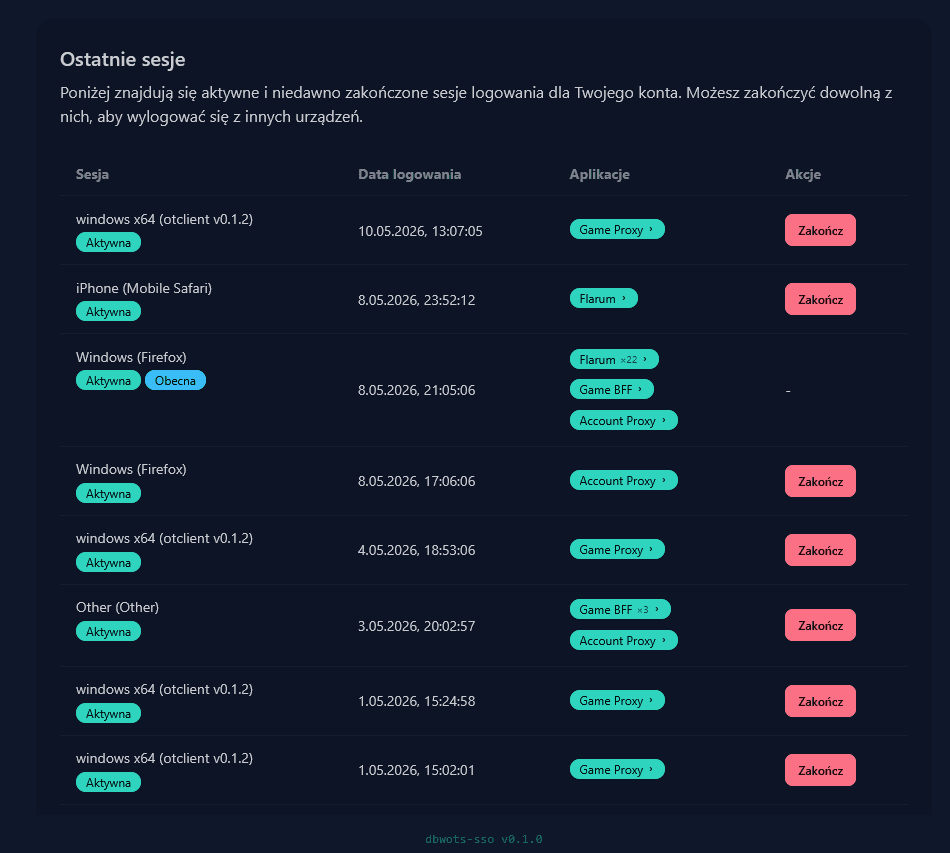
First, you have to create a new DBWOTS account, regardless of whether you had one before or not. That's because of new SSO service which allows single login across all our applications. To proceed, click the 'Create account' button at the bottom, or top-right 'Login' will redirect to the SSO as well.
Once you have created your SSO account, you can come back to the game portal (current site), and ensure your account is properly linked (top-right corner: avatar, display name).
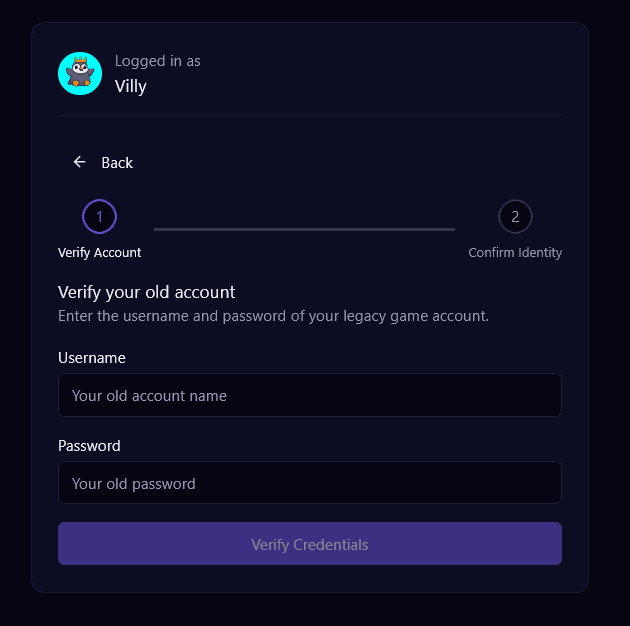
From there, you can either create a new character, or migrate existing characters from the previous account maker. Both can be done within the 'Game Account' tab.
To migrate your legacy account, navigate to the 'Game Account' tab and scroll down to the 'Account Migration' section. Then, enter your old credentials and follow the instructions. If you have any issues with migration, please reach out to us on Discord.
Lastly, download the new game launcher from 'Downloads' tab or button below. We recommend using the installer version, but if there are any issues, you can download portable client version instead. There can be a Windows Defender SmartScreen warning on the first launch, as there is no official certificate yet, but this is expected and safe to bypass.
Beta Test Goals
If you've already played the game, you probably have a good idea of what to try, but here are some specific areas we would like to get feedback on during the tests:
- Intuitiveness of the new web stack - account creation, migration, login.
- Installation and update process with the new launcher.
- Stability and performance of the new client - FPS counter, crashes, freezes, memory usage.
- Stability and performance of game server - lag spikes, disconnects, potential crash/hang scenarios.
- New and revamped game systems - quickloot, item rarity, auction house, quest log, minimap, tasks.
- Maze system - gameplay on all existing mazes, stability of the new shard regions.
- Stability of transform/revert, active training systems touched by the optimizations.
- Any other bugs, issues or general feedback regarding the new client and systems.
Community & support
Join our discord and use the dedicated 'Leaf - Test Server' channels for giving feedback and reporting issues.
At the end of the test period, the progress will be most likely wiped, however we expect premium benefits for active testers to be carried over to the live server. Exact details will be announced closer to the end of the tests.